

It is a fast repair for that lifeless zone in your own home.
You probably have an previous Android cellphone gathering mud in a drawer someplace, you could have already got every thing it’s essential repair the lifeless zones in your house Wi-Fi community. As a substitute of shopping for new {hardware}, be it an extender, a mesh node or a extra highly effective router, you can simply use an previous Android machine.
Most households have no less than one previous Android cellphone sitting forgotten someplace, too outdated to make use of as a every day driver, however too practical to justify throwing it away. Earlier than you drop it off for recycling, you need to take into account what it could possibly nonetheless do for you. With nothing greater than its built-in settings and an influence outlet, that cellphone can pull double obligation as a Wi-Fi extender, serving to push your own home community’s sign into these room corners the place sign is patchy at finest.
You do not want any particular apps, further {hardware} and even superior technical know-how. Android’s built-in hotspot function lets your cellphone connect with your current Wi-Fi community and act as a repeater to broadcast it as a separate sign, thus extending protection.
What does an Android Wi-Fi extender really do?
If your own home has areas the place the web sign is weak, it may be fairly annoying. Whereas it is true that some issues may be accomplished — do you know there was a right way to position your router’s antennas? — it may be a nuisance till fastened. There are issues you should buy, after all. Upgrading to a mesh system or getting a brand new router may be fairly costly, whereas a Wi-Fi extender can put you again about $50, relying on mannequin. That is nonetheless cash you can merely not spend by making use of tech you have already got.
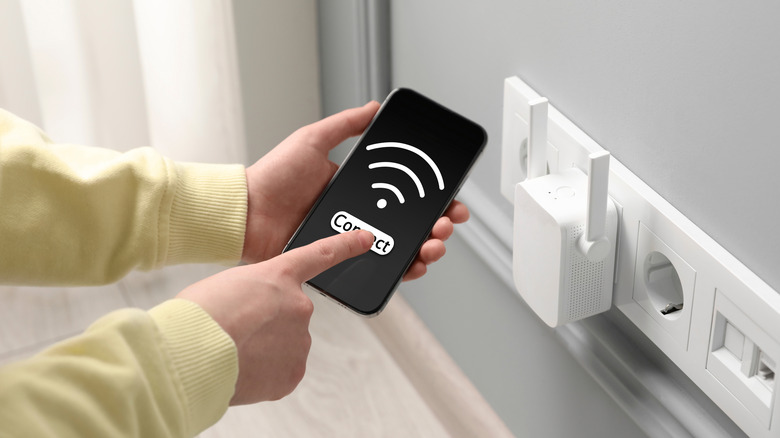
Your Android cellphone can connect with your current house Wi-Fi community and rebroadcast the sign as a separate hotspot. You’ll be able to then join different gadgets, from laptops to tablets and sensible TVs, to that Wi-Fi sign as a substitute. Consider it as a sign relay, because the cellphone picks up Wi-Fi out of your router and easily passes it alongside to different gadgets that want it. It is not a mesh system, and it will not carry out as one, but it surely’s a free and low-effort repair for weak protection areas.
arrange your Android cellphone as a Wi-Fi extender
The method for this complete operation is kind of simple and solely takes a couple of minutes. Our place to begin comes after you have already situated your previous Android cellphone, recharged it and run the most recent updates.
-
Open Settings, go to Community & Web > Web. Choose your own home Wi-Fi community and enter the password when prompted.
-
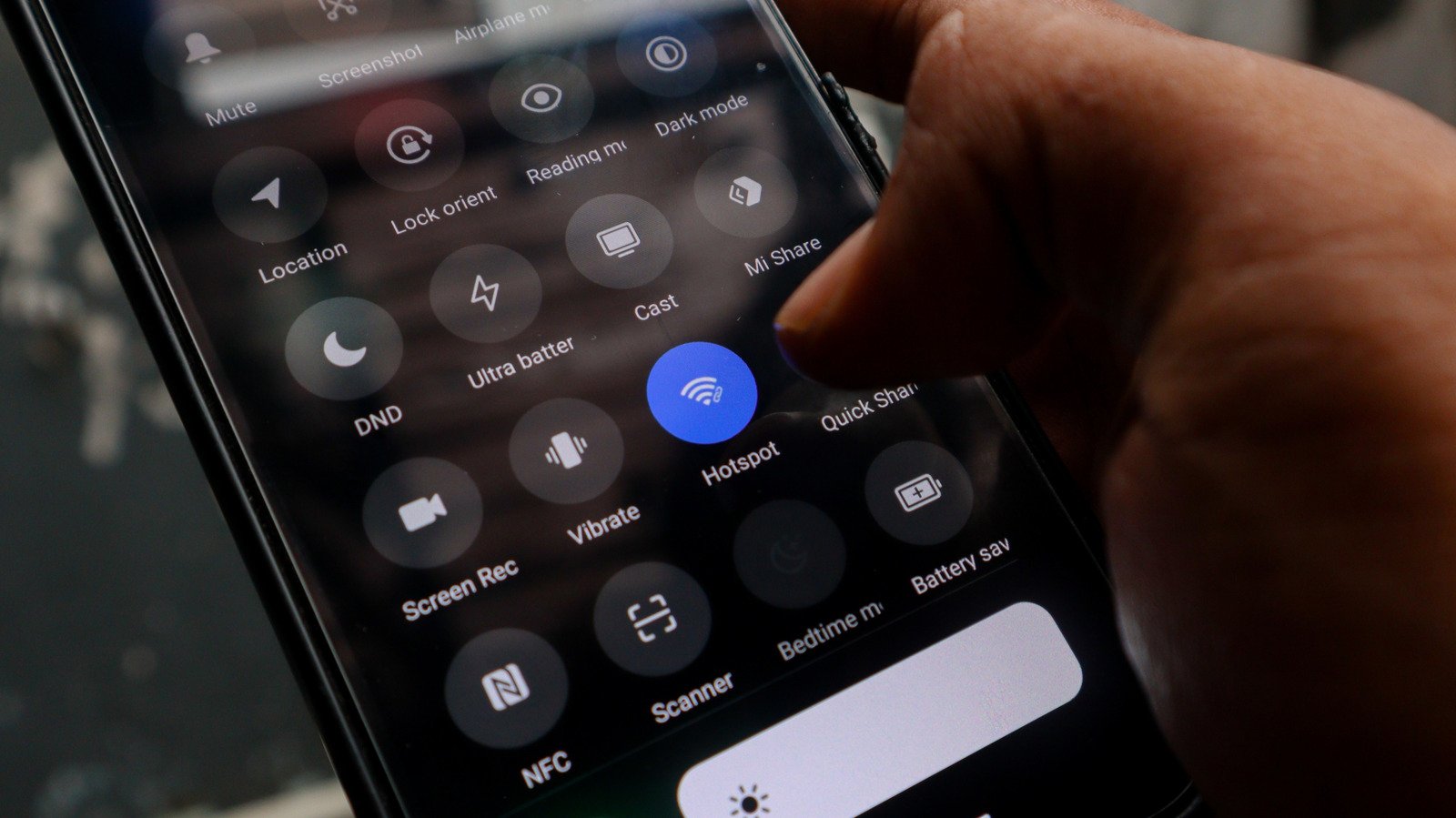
Go to Settings > Hotspot and Tethering and toggle on Wi-Fi Hotspot. It’s also possible to discover the Hotspot icon within the drop-down menu — you simply must know what all those Android status bar icons mean.
-
Faucet the Wi-Fi hotspot to rename the community and set a powerful password to safe your community and hold it straightforward to determine.
-
In case your cellphone helps it, you possibly can choose 5GHz underneath the velocity or band settings. This can enhance efficiency for close by gadgets, but it surely gives a shorter vary than 2.4GHz.
-
Place your cellphone about midway between your router and the lifeless zone you are nervous about. Ensure it is close to an outlet so you possibly can simply hold it recharged. Outdated telephones have already got questionable battery life, and operating a hotspot constantly will drain the battery quick.
The draw back of this technique is that the cellphone extends your current Wi-Fi, but it surely will not increase your web velocity in any method. In case your web is already gradual, the hotspot will not repair that. You additionally should understand that any business Wi-Fi extender or mesh node will outperform this Android-based answer.
One other factor to remember when utilizing this technique is that there isn’t any sensible house integration to talk of. Devoted Wi-Fi extenders usually help sensible house ecosystems and seamless roaming, whereas an Android hotspot creates a separate community, so some sensible house gadgets could not connect with it reliably. Plus, you will must manually swap networks as you progress round your own home.
Android cellphone vs. business options: Which is healthier?
The reply to this query is one solely you possibly can ship. Do you need to put money into your community at this level? An Android cellphone extender prices nothing, and it is ideally suited as a short lived repair or supplementary answer for a single downside space. Nonetheless, you will get significantly better vary and efficiency from a business Wi-Fi extender, a mesh node or a brand new router. Go for the Android cellphone possibility if you happen to want a fast repair and have already got an unused machine available. You might even strive the USB tethering alternative for a extra steady connection. It would make a surprisingly succesful Wi-Fi extender for the proper scenario, the setup takes minutes, the price is zero and it retains a tool out of the recycling bin. Simply perceive that this can be a sensible workaround, not a everlasting community answer.
